
How to use Assets
Add an asset and make it ready for the field.
- Open Assets → New and enter the asset's details.
- Assign or link the responsible person or organisation.
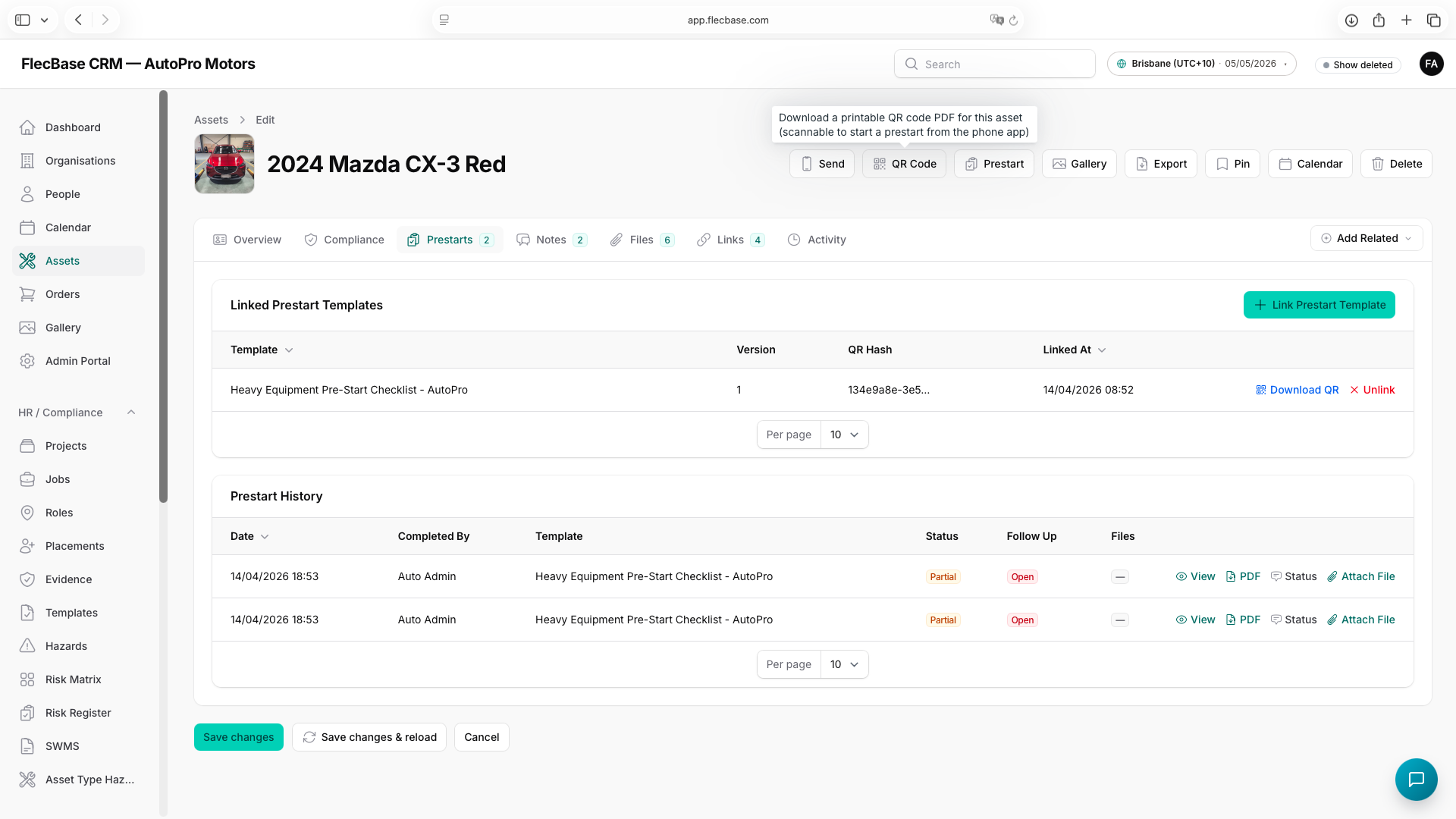
- Generate and print the asset's QR code for quick scanning on the app.
- Attach a prestart template so operators can check it before use.
assets_2.png