
How to use SWMS
Create a SWMS and have it acknowledged.
- Open HR / Compliance → SWMS → New, choose the Job it covers, set the version and status, and save.
- On the SWMS, use the SWMS documents panel to upload the document(s) — one label names the whole upload ("Training", or "Training.1", "Training.2" …); rename or remove any afterwards.
- Placements on jobs with high-risk-work hazards show "SWMS required"; the worker acknowledges it from /me.
- Watch the acknowledged / not-acknowledged status on the project compliance matrix.
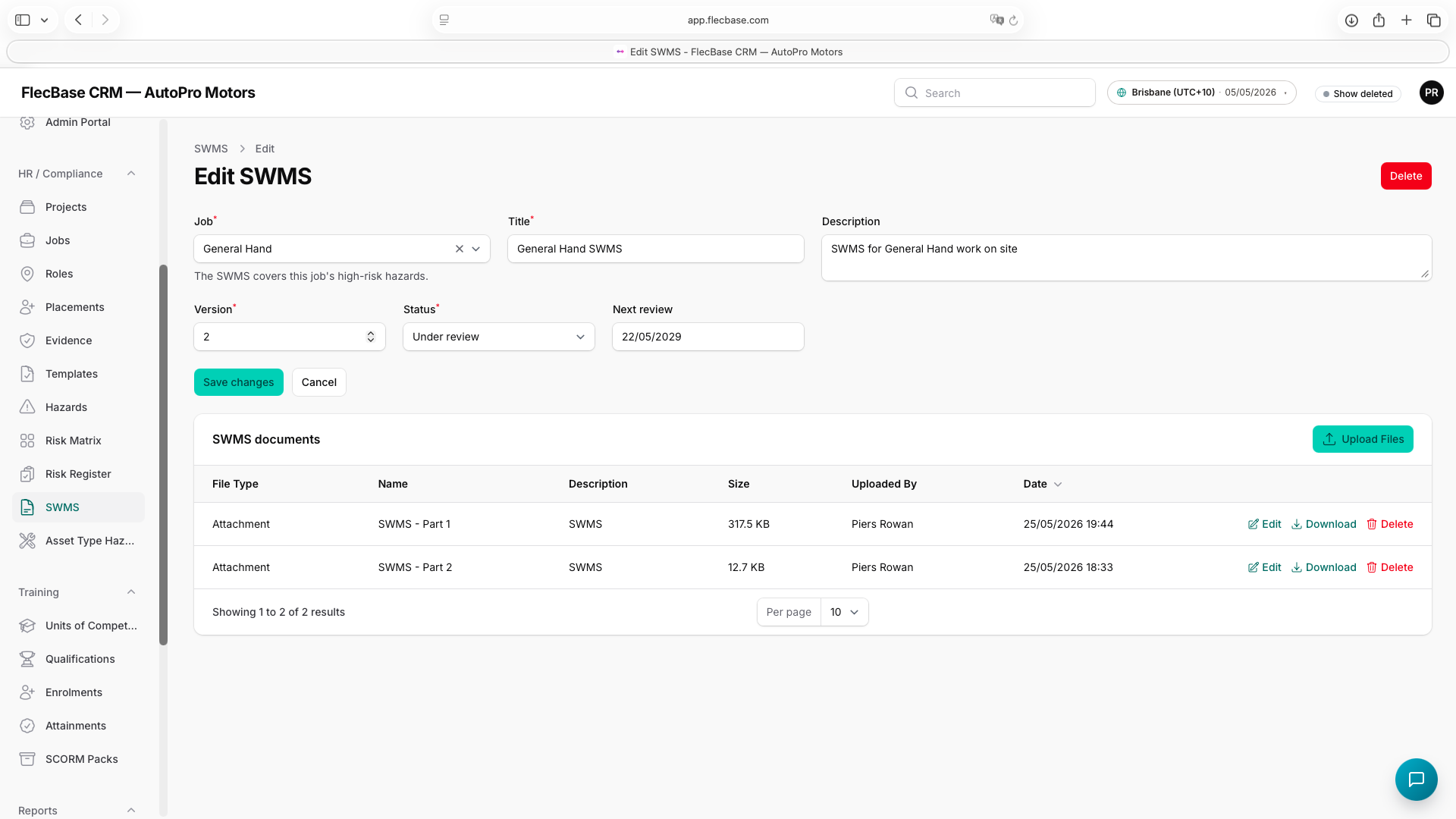
swms_2.png