
How to use Orders
Raise an order and move it through to completion.
- Open Orders → New and set the customer and details.
- Link the related organisation, people or assets, and attach documents.
- Advance the status as work progresses, through to Completed.
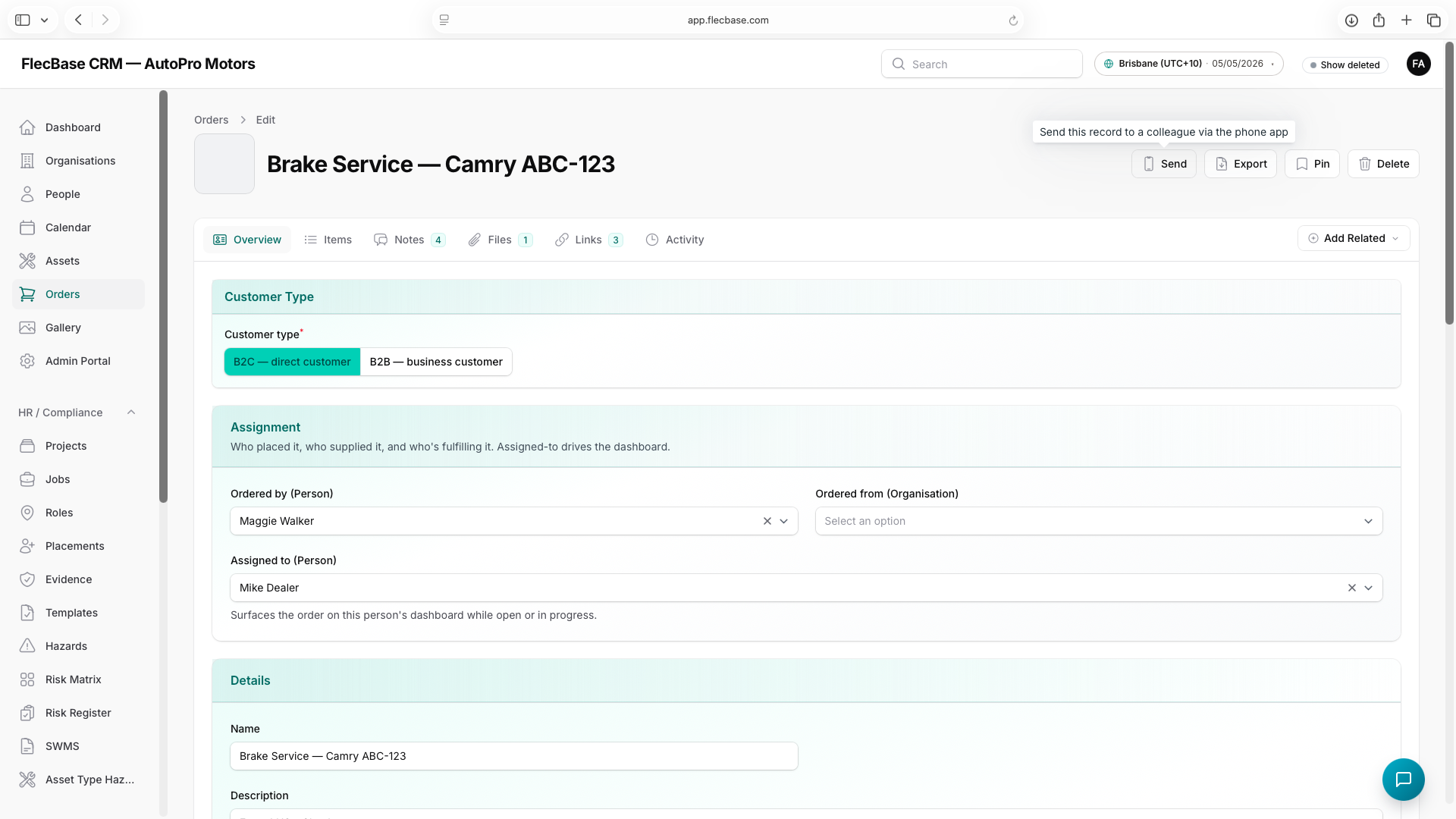
orders_2.png