
How to use Organisations
Set up an organisation and place it in your structure.
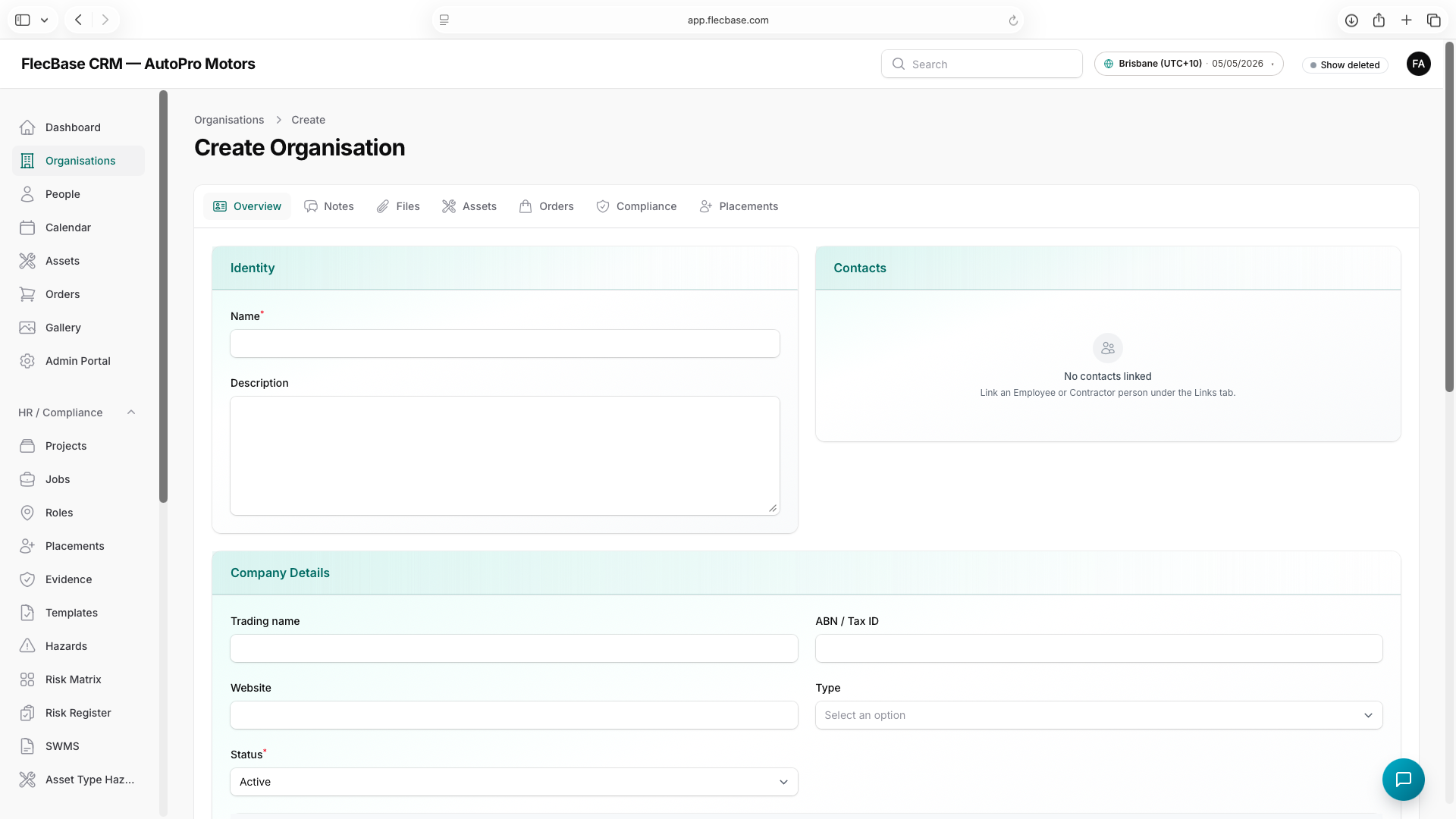
- Open Organisations → New and enter the name and details.
- Set the subtype (for example, Site) so it appears in the right pickers.
- Use the org tree to set a parent — the new org becomes a child beneath it.
- Link people as employees or contacts, and attach any files.
organisations_2.png