
How to use Events
Schedule an event and invite attendees.
- Open the Calendar (or Events) and create a new event with date, time and location.
- Invite users and people — external contacts can be invited by email.
- Track RSVPs and mark attendance as people confirm or arrive.
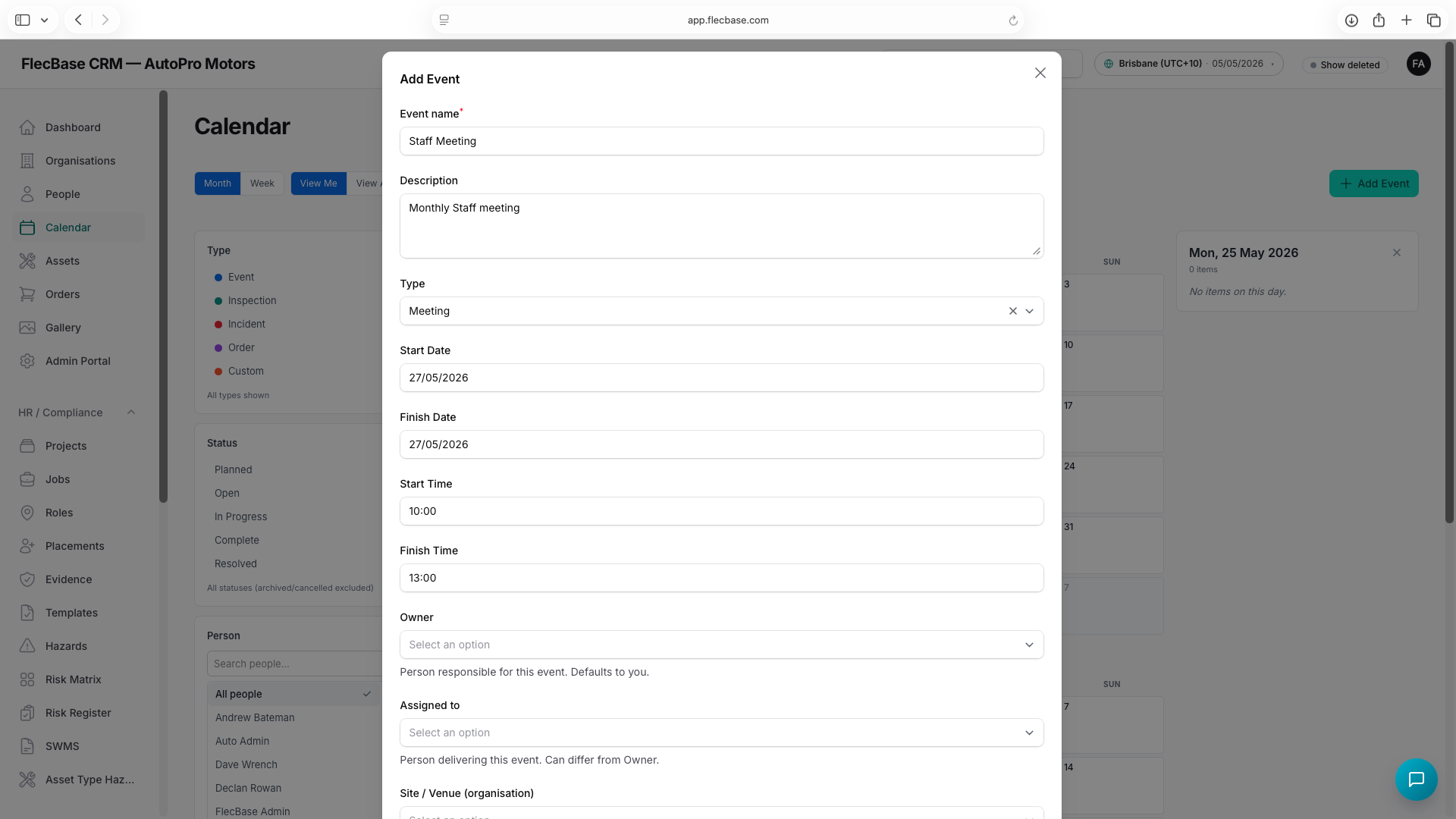
events_2.png