
How to use Hazards
Add a hazard and connect it to where it occurs.
- Open HR / Compliance → Hazards → New; name it and set its category.
- Set the default likelihood and consequence, and flag it as high-risk work if a SWMS is required.
- Attach it to the Units (tasks) it applies to — and to sites and asset types from those records' Compliance tabs.
- Assess it in context in the Risk Register.
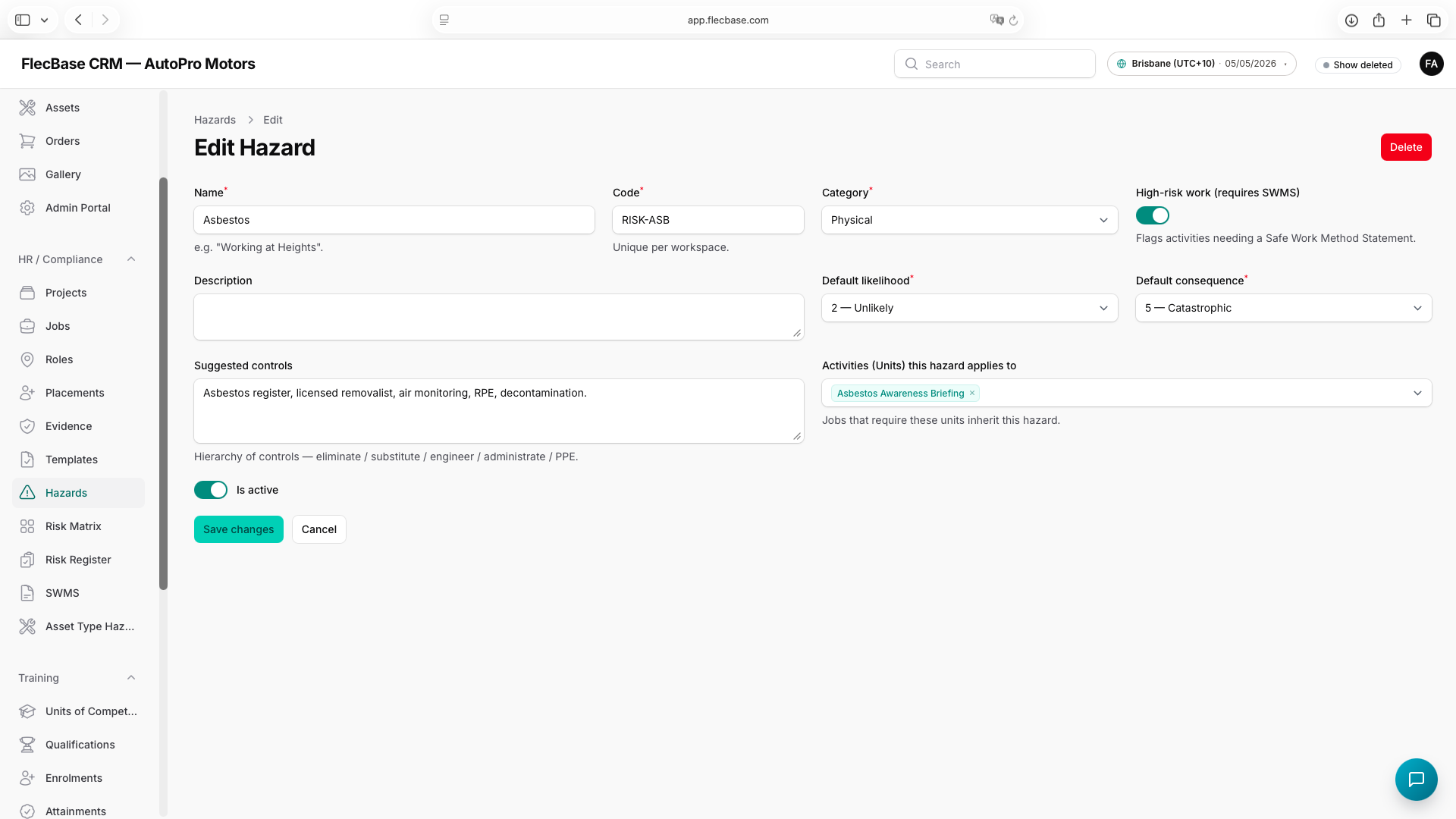
hazards_2.png