
How to use Bulk Mailer
Create and send a newsletter.
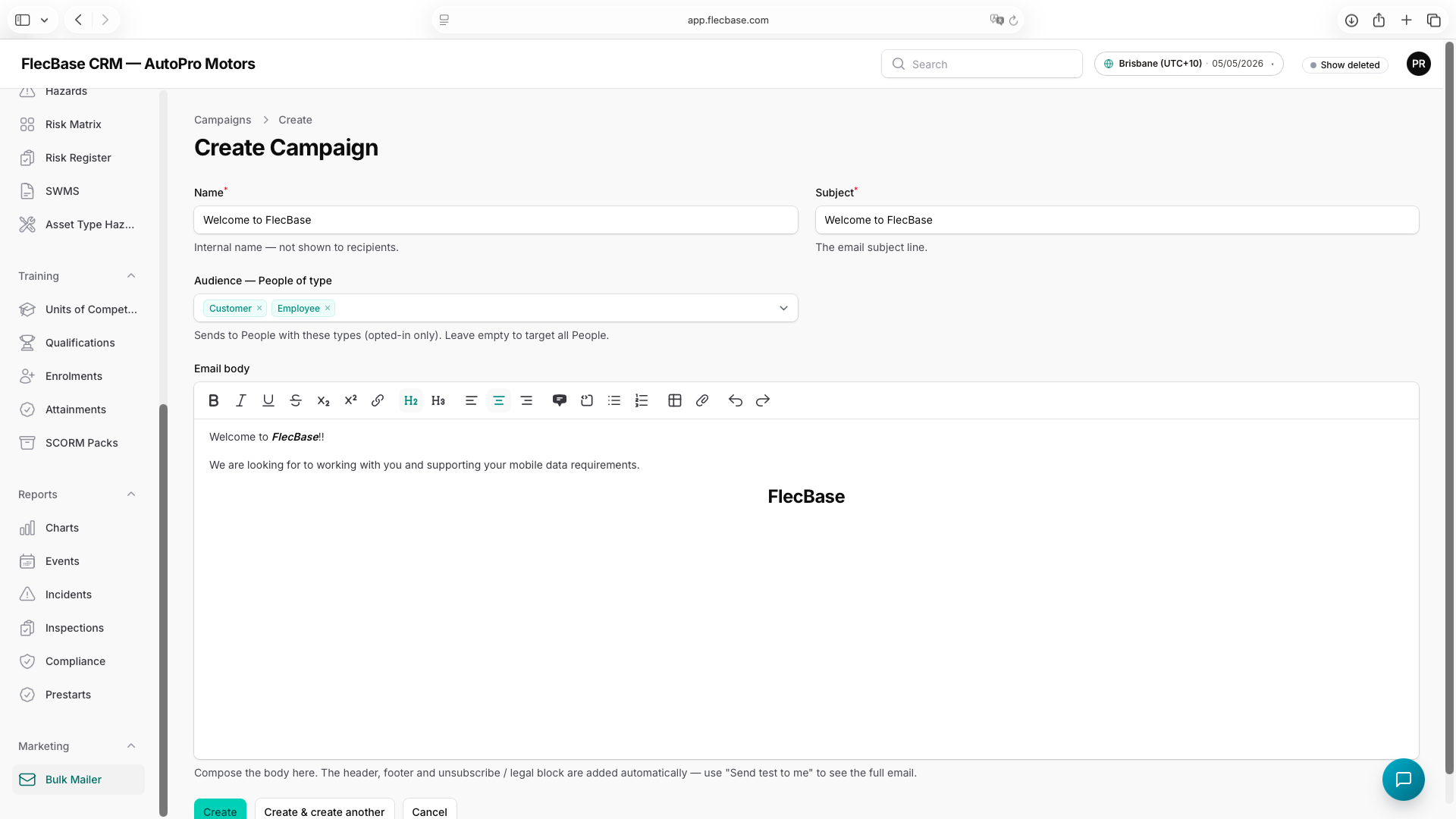
- Open Marketing → Bulk Mailer → New; give it a name and subject, and pick the audience (People of a type).
- Write the body in the HTML editor — the header, footer and unsubscribe block are added for you.
- Click Send test to me to preview the full email in your own inbox (not logged, not sent to anyone else).
- When it looks right, click Send to audience — it queues to every opted-in recipient and the status shows the progress.
bulk-mailer_2.png