
How to use People
Create a person and connect them to the rest of your workspace.
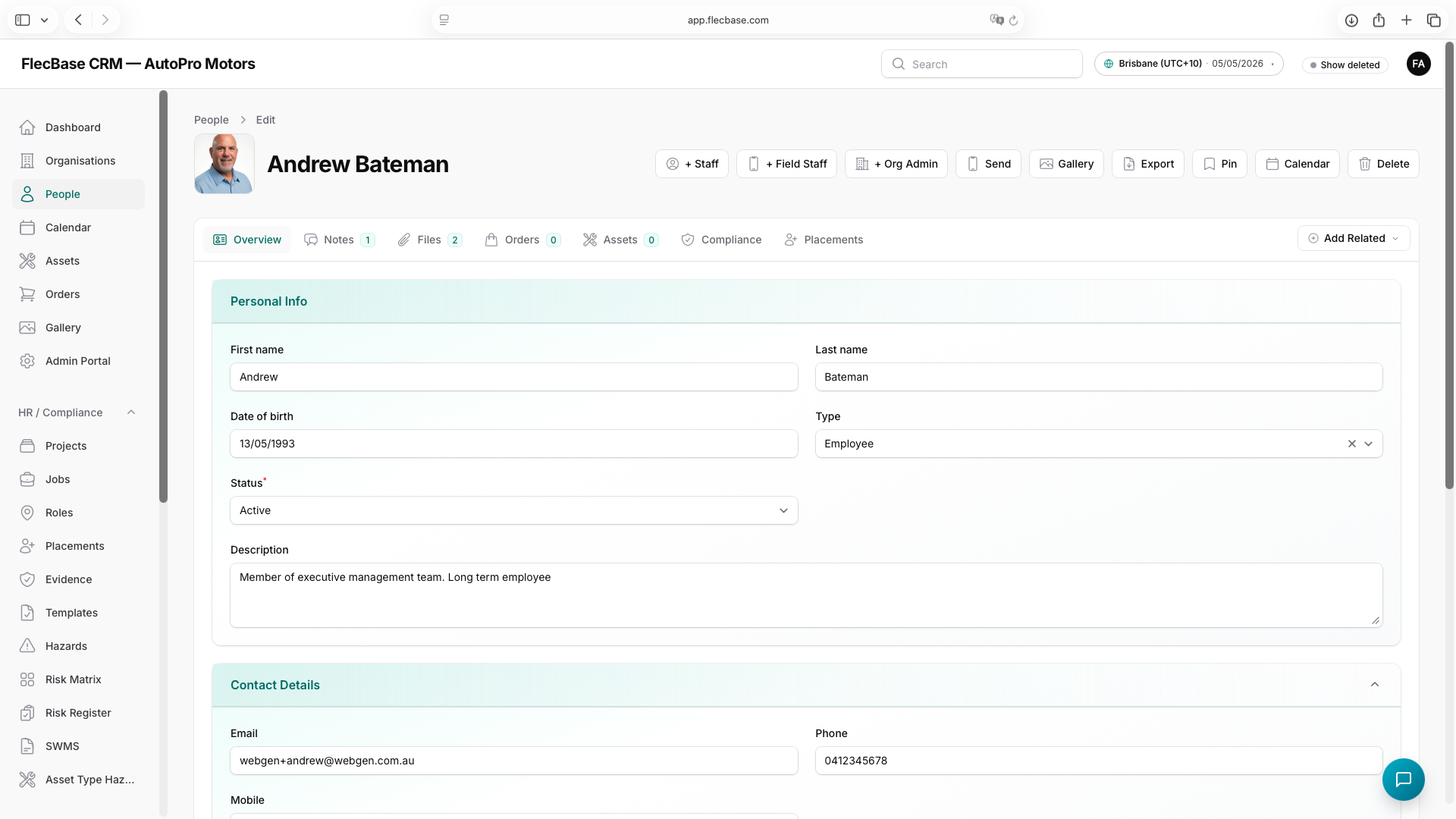
- Open People → New and enter their name, email and contact details.
- Add files (licences, certificates) and notes on the record's tabs.
- Link them to organisations, assets or events using Links.
- Optionally invite them as Staff or a Field User from the record's actions.
people_2.png