
Records to Reports
The FlecBase mobile app lets you compile pictures and notes and generate professional PDF reports in seconds — ready to send to customers or file for compliance.
Example PDF Export
See what a real FlecBase report looks like — generated from field data in seconds
Download Example PDFHigh-definition pictures used for example purposes
Every record in FlecBase can be turned into a PDF report. Assets, inspections, incidents, orders — anything with photos, notes, or linked data becomes a professional document with your workspace branding.
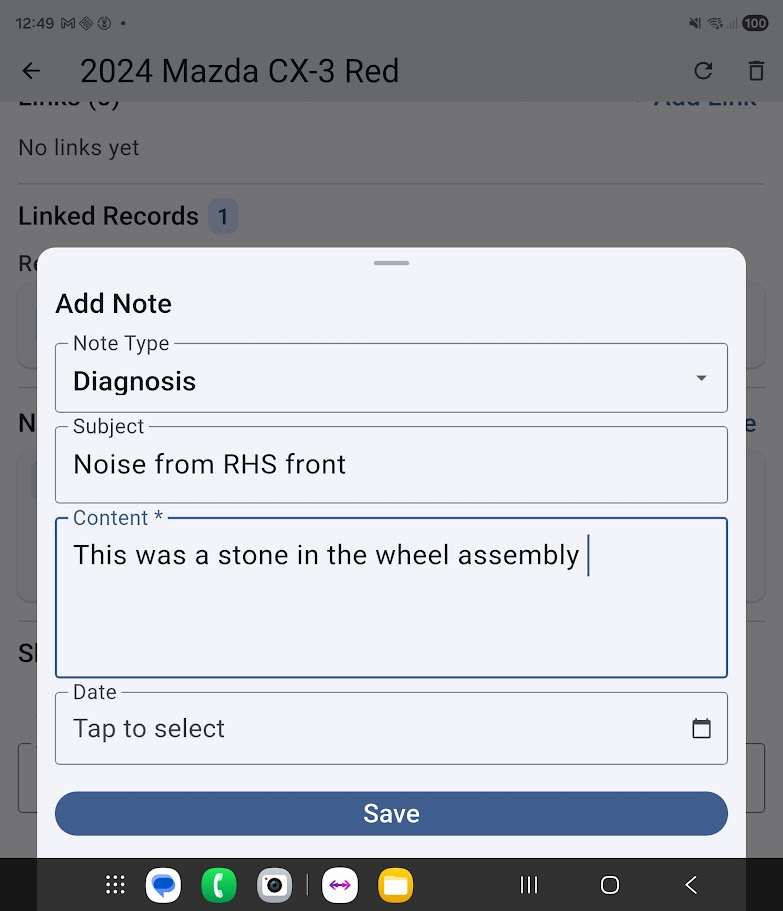
Upload notes or photos to a record
Your field team captures data on-site. Photos of assets, notes about condition, timestamped observations, completed prestarts — anything attached to a record is available for the report.
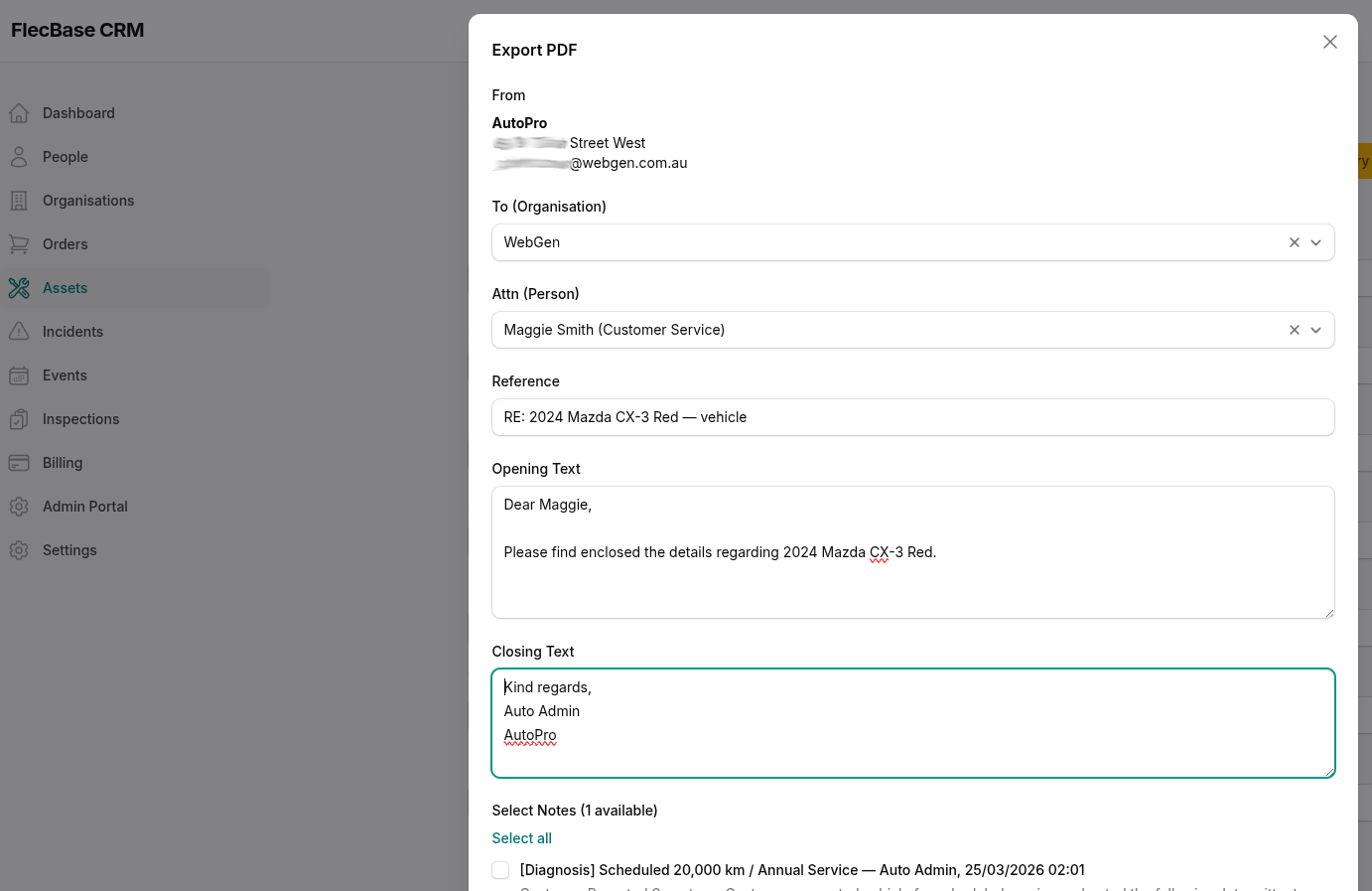
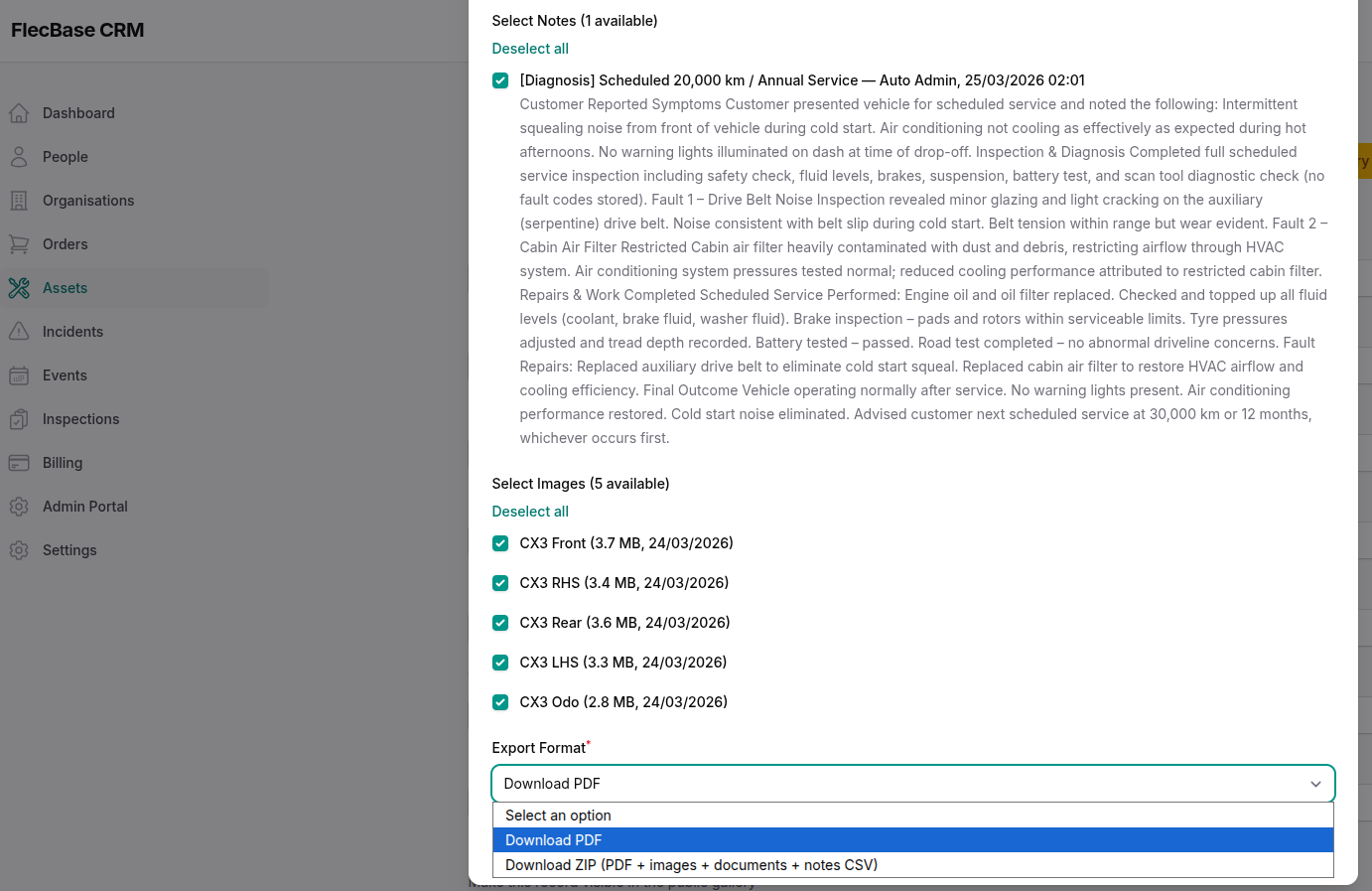
Click [Export PDF] and choose what to include
Open any record in the CRM, click the Export PDF button, and you'll see options to control what goes into the report.
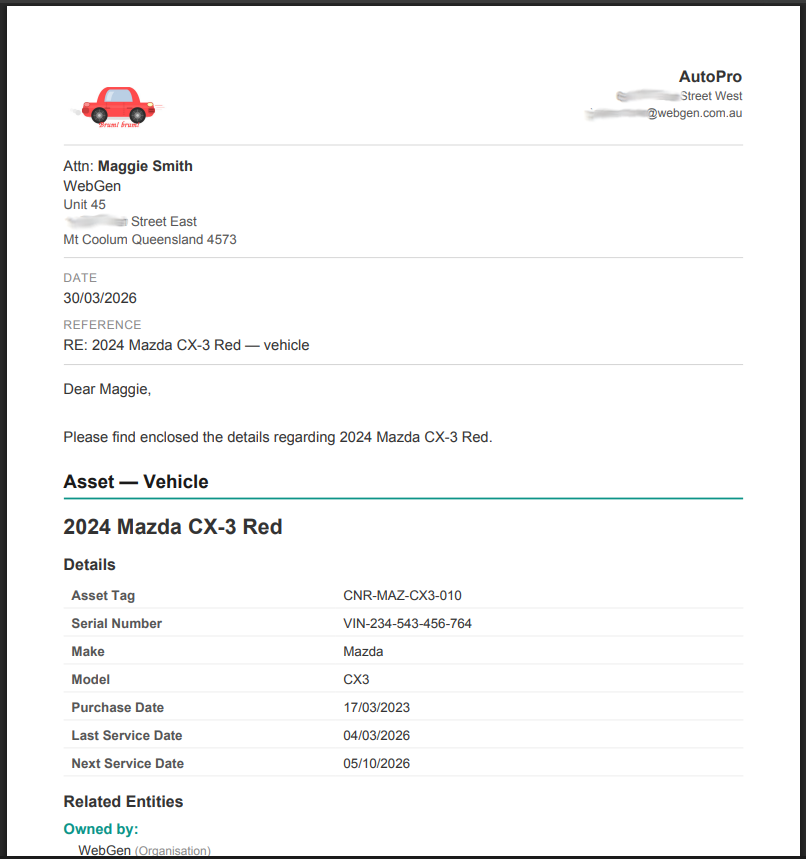
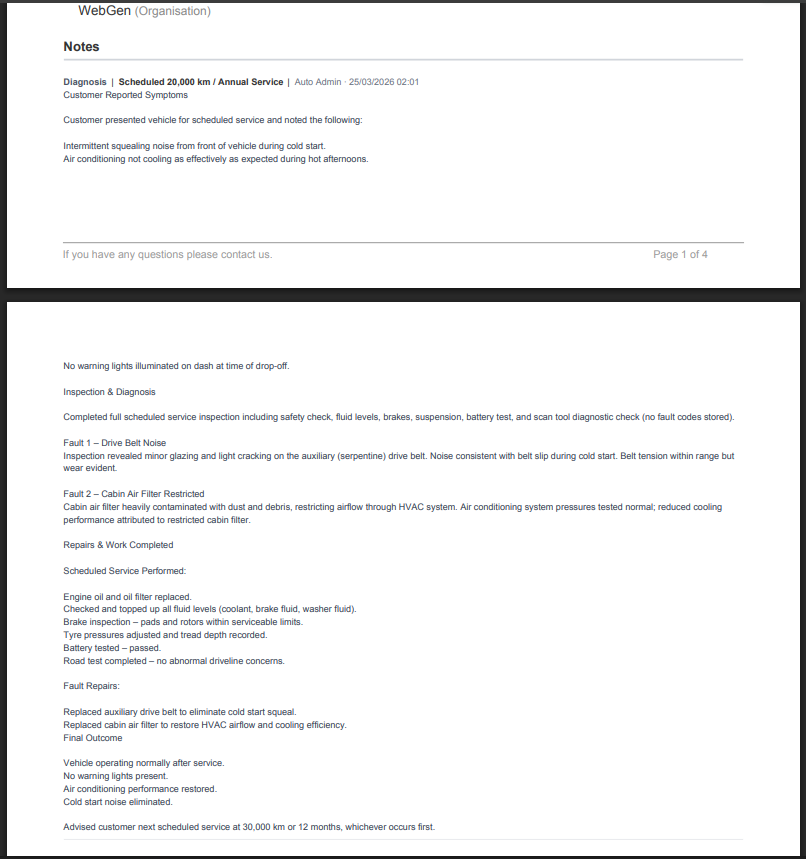
View of the finished PDF
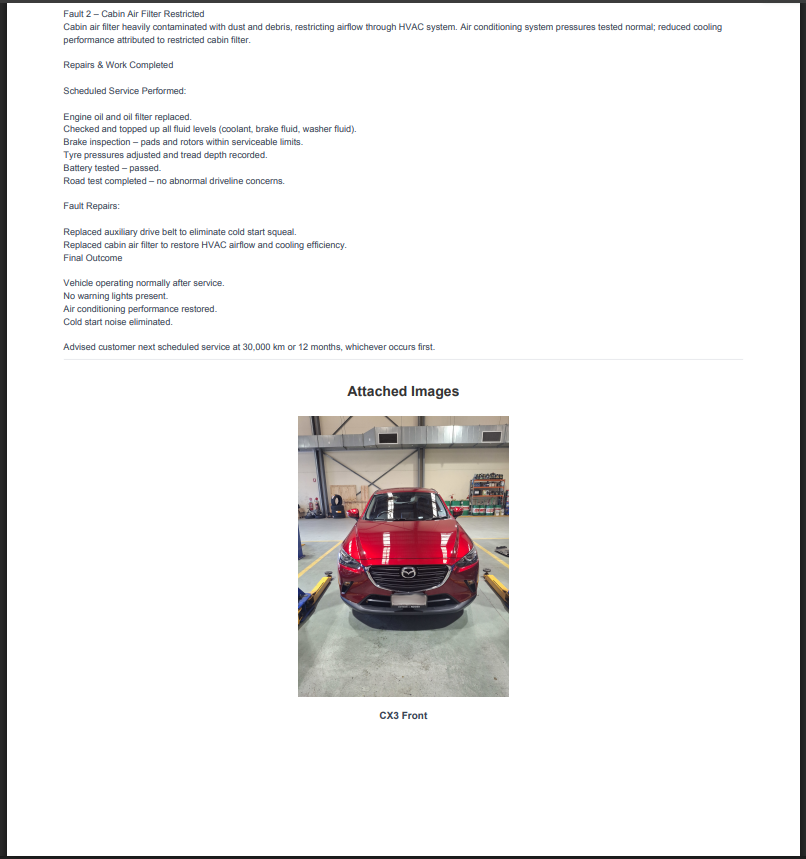
Your report is produced with your workspace branding, a summary of the record, attached images laid out cleanly, timestamped notes, and any prestart or compliance history.
Ready to try it?
Download the example PDF or install the FlecBase app and generate your own
Download Example PDFBefore you start
To generate your own reports, you'll need:
- Android phone running Android 8.0 (Oreo) or newer
- A FlecBase account — sign up free here if you haven't already
- About 50 MB of free storage space
- Wi-Fi or mobile data connection
FlecBase for Android
Pre-release build · Updated March 2026
Download APK~55 MB · Requires Android 8.0 or later